

If you have used Capcut even once, you already know how templates make editing easy and save time. This is probably the section where people spend the most time. Actually, this section lets people, with zero editing knowledge, make any video look good
Templates have completely changed the meaning of content creation on phones. In this blog post, we will discuss how different templates. And if you are looking for a full breakdown of the CapCut app itself — features, APK download, and installation, we have covered that separately in our CapCut APK guide.
Top 5 Trending CapCut Templates in 2026
Healing Thailand Capcut Template
This is one of the most famous and most-searched CapCut templates of the past year and is still on fire in 2026. This is the pre-built format that features slow-motion effects, a cinematic zoom transition, and warm tropical color grading.
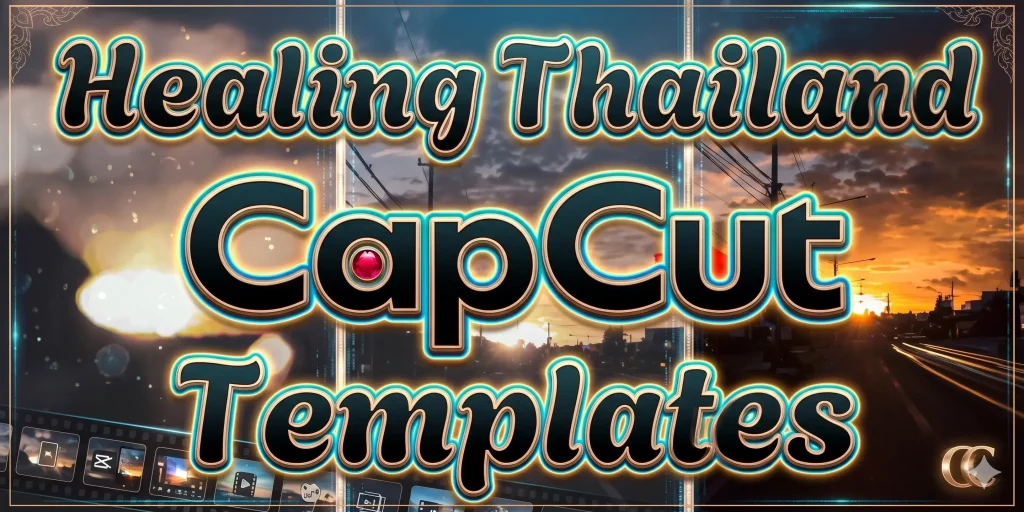
The template starts with a diamond blur effect that instantly draws attention. It then moves through a mix of zoom-in and out transitions with slow-motion sequences, shifts through color-grading transitions to show different moods, and wraps up with a clean fade-out. This whole thing has a calm, emotional, almost dreamlike quality, and it fantasizes the viewer.
It goes well with travel footage, outdoor shots, beach, nature, or rain footage, and anything with dream visuals.
How to find it: Open CapCut → tap Templates → search “Healing Thailand.”
2. ICAL Template
Many people search for an ical template separately, not realizing it is the same template as the healing thiland. iCal is simply the community name for the original version of this template style that first went viral
The ICAL CapCut template has travel-inspired visuals, smooth effects, and vibrant color grading. It features tropical and beach-themed clips, smooth cinematic transitions with zooms and dynamic cuts, and warm color tones with dreamy filters and high contrast.
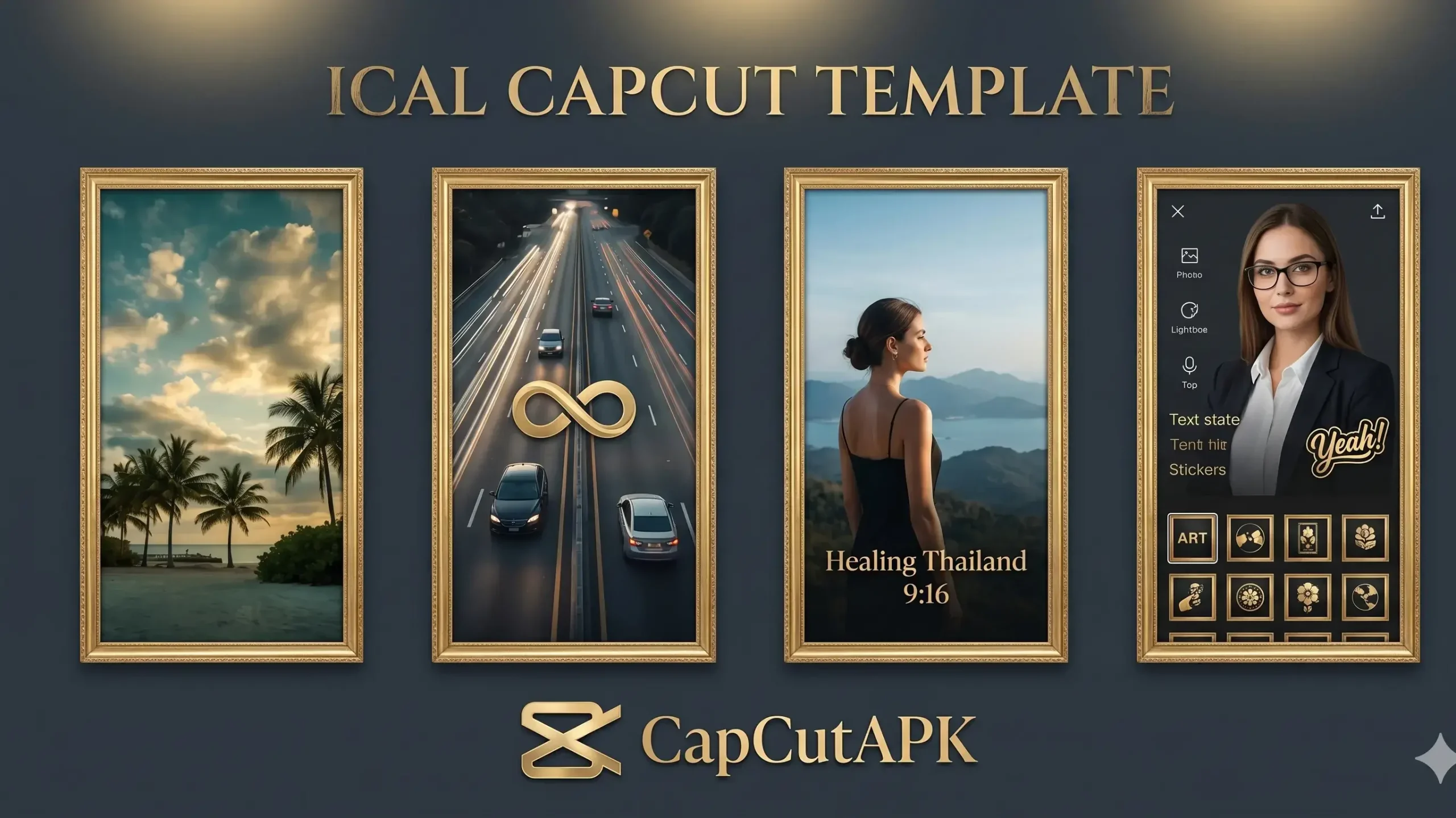
If you search “Healing Thailand” and want the most original version of this trend, look for templates tagged with “ICAL” in the description. They share the same visual style, but the ICAL versions tend to have cleaner execution.
How to find it: Open CapCut → tap Templates → search “ICAL.”
2. Dark Triad Template
The Dark Traid template has different emotional feelings from the Healing Thailand template. This one has intense, dark, and fast-cut feelings. These vibes fit into Gangatar videos.
This visual style commonly includes high contrast, sharp cuts synced to beats, high-density colors, and quick flashes between clips.
How to find it: Open CapCut → tap Templates → search “Dark Triad.”
3. CapCut Slow Motion Template
Slow-motion templates are the most searched ones on the platform. These templates are built around velocity and speed ramp effect. Usually, there is a gradual speed ramp that slows down at emotional moments and speeds back up at beat drops.
They create a sense of drama and depth that straight speed footage cannot achieve. However, these types of templates can be used for travel videos, vlogs, action movies, and so on
CapCut New Trend Templates 2026
Above, we discussed a few famous templates. Now, let’s talk about the new trending templates of 2026. Beyond the specific names, here are some ongoing fire stuff.
- Mini Vlog templates, short aesthetic daily life video edits with text overlays
- Gym transformation templates before and after clips with motivational music
- Photo slideshow templates with still images with cinematic motion and effects
- Couple edit templates synchronized effects, timed to trending audio
The fastest way to find what is currently trending is to open CapCut → Templates → tap the “Trending” tab at the top. The templates there are updated in real time based on what is most used globally.
What Country Allows All CapCut Templates?
Most countries allow CapCut templates to some extent, but not all trending templates. While there is an exception in India, where the entire app is banned. If you are from India, to use different templates like the healing Capcut template, you first need to connect to a VPN on your device, then you can create your own favorite video with your photos and videos by having access to the templates
Capcut Alternatives
If CapCut ever faces a permanent issue in your country, here are some of the best alternatives to use.
- VN Editor: It is the closest alternative for timeline editing, completely free, no watermark
- InShot: simpler interface is excellent for quick social media edits
- Canva Video: template-heavy approach similar to CapCut’s template section
- Adobe Express: strong template library, Adobe quality, and a free tier available
None of them match CapCut’s variety of templates or AI features at the same price point (free), but they are all functional replacements if access becomes an issue.
FAQs
Yes the majority of the capcut templates are free to use. Some premium templates are marked with the crown icon, and they require a CapCut Pro subscription. The free template library is large enough that most users never need to pay
First, open CapCut, then tap the template tab and select trending at the top. The section updates regularly based on what template is currently being used globally. You can also search by name for specific templates, such as “Healing Thailand” or “Dark Triad.”
Well, it depends on the banning criterion, like if it is enforced, then the cloud projects and templates will be inaccessible. Projects saved locally on your device would remain the same. That is why it is always recommended that you save finished videos on your local storage, and you should not rely on cloud storage